
Layout A · Simplex
686 sq ft1 bed · 1 bath
View full unit plan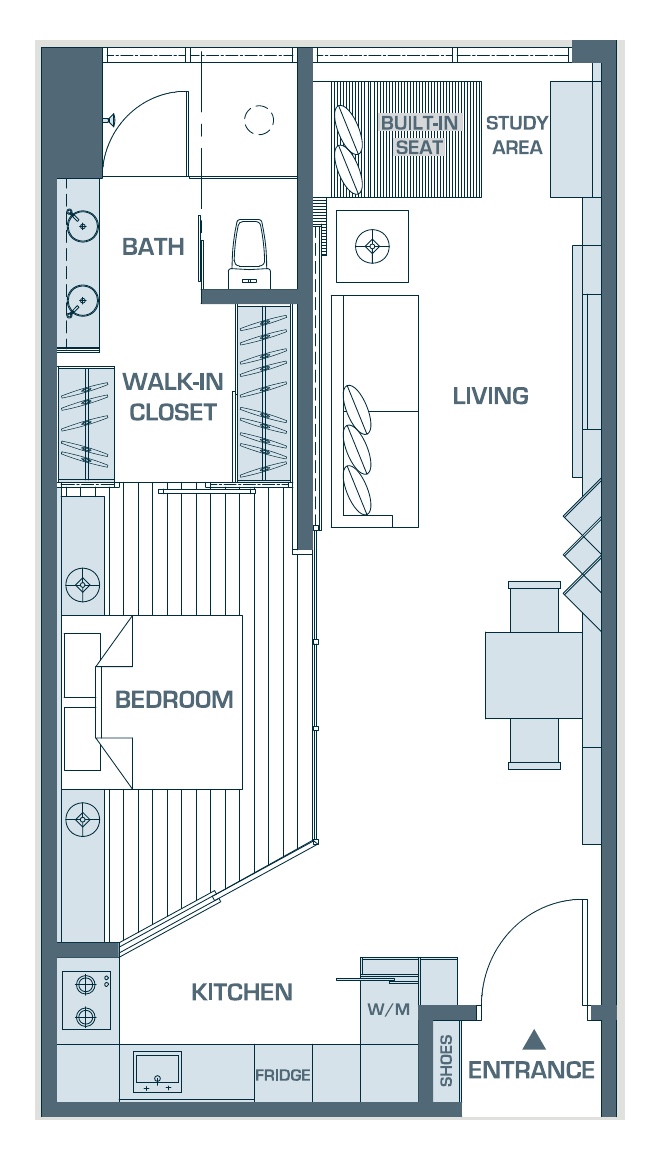
Jalan Ampang · Kuala Lumpur · Owner assessment
Whether the unit is vacant, rented or you are considering a different manager, choose the closest published plan and send the basic details once. The team can then review the unit you actually own.
Novo materials use more than one naming convention for some layouts. The choices are a starting point; please check the linked reference plan against your unit documents.
Start with your unit
Pick the closest reference plan, then tell us whether your unit is vacant, rented or awaiting keys—and what furnishing is already there. That gives the team a proper starting point to discuss rental options and what to tackle first.
1 bed · 1 bath
1 bed · 1 bath
The checked brochure lists A1 as a one-bedroom type. Other public listings use different labels for some 686 sq ft units; please check your own plan.
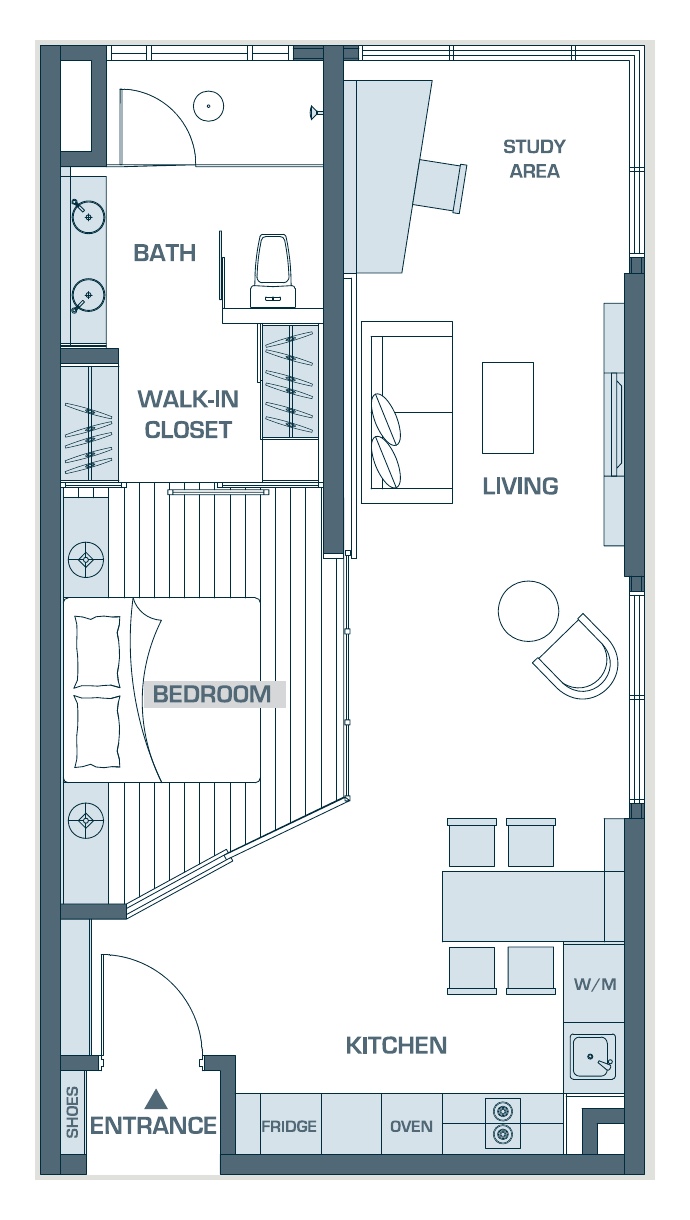
2 beds · 2 baths
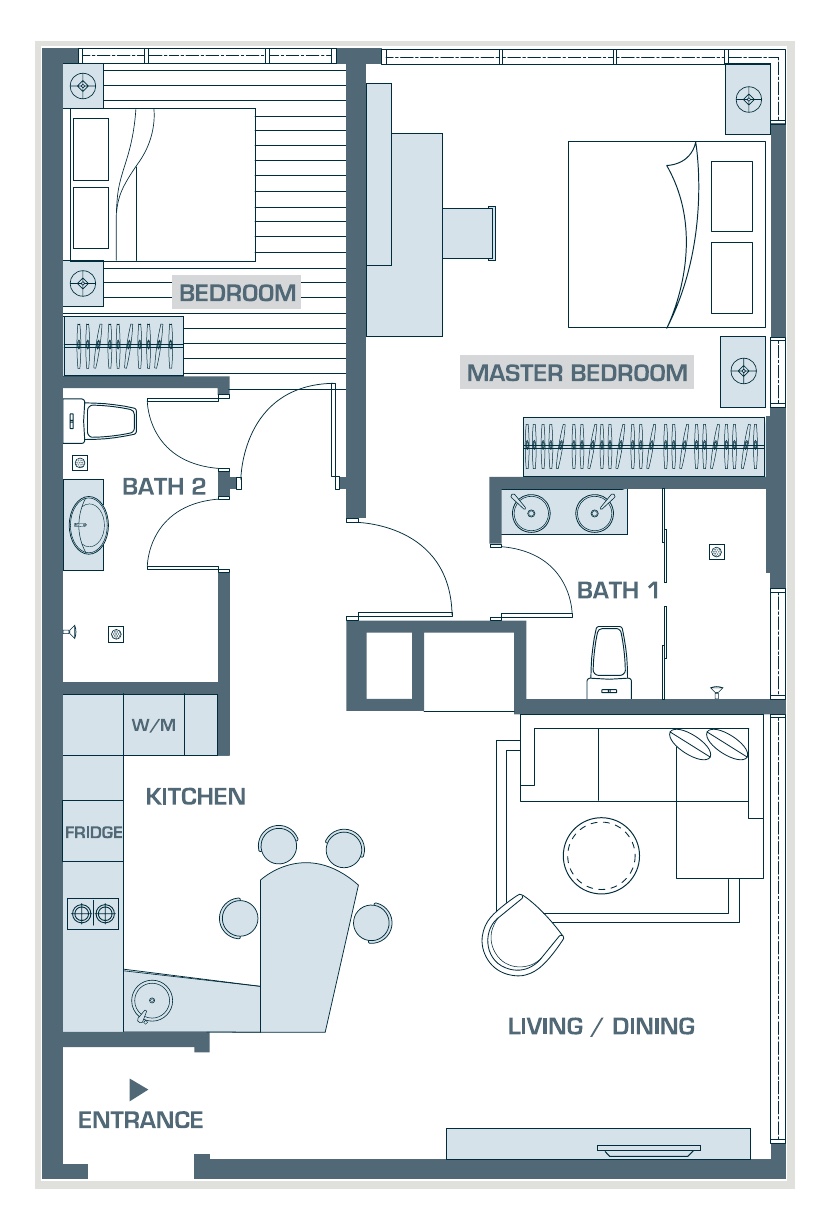
2 beds · 2 baths
Some public sources label this 951 sq ft plan Type C; others use B4. Check your unit documents for the exact type.
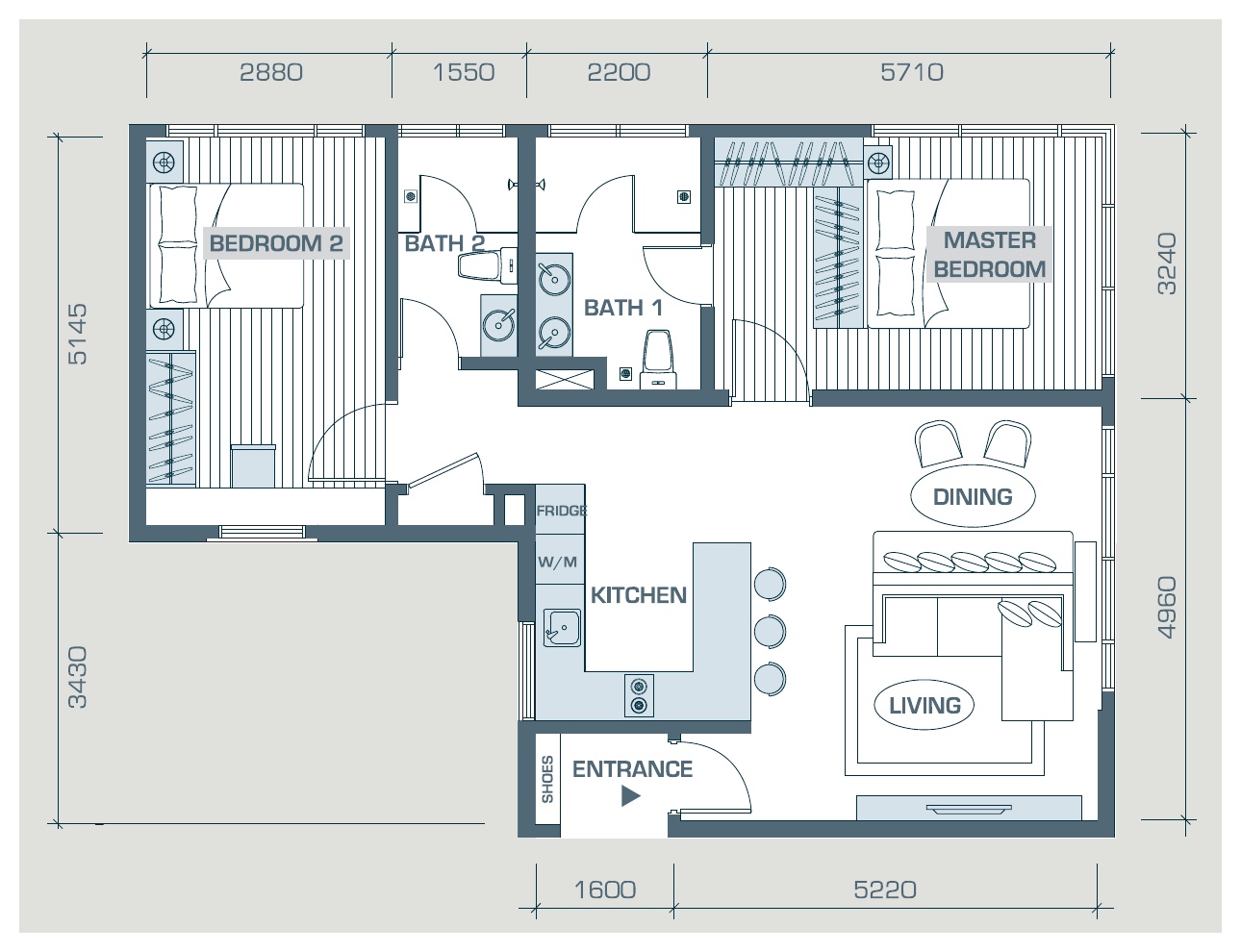
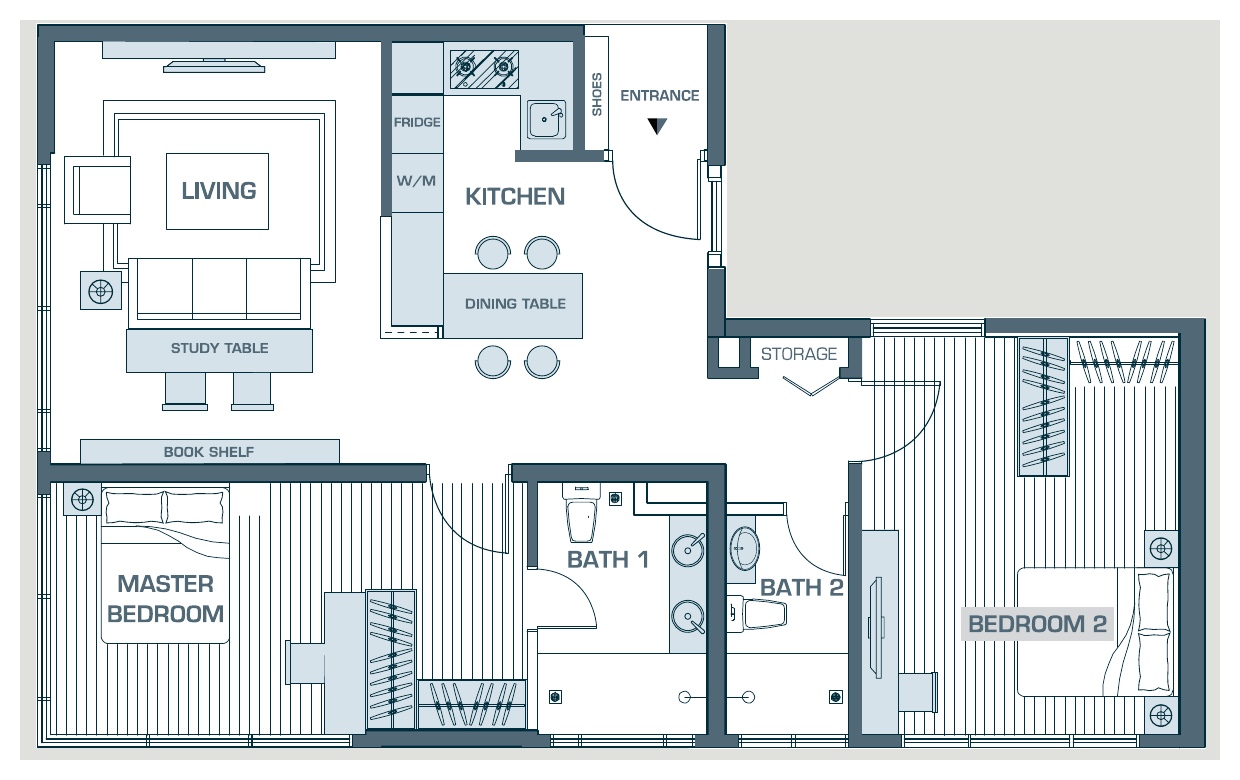
2 beds · 2 baths
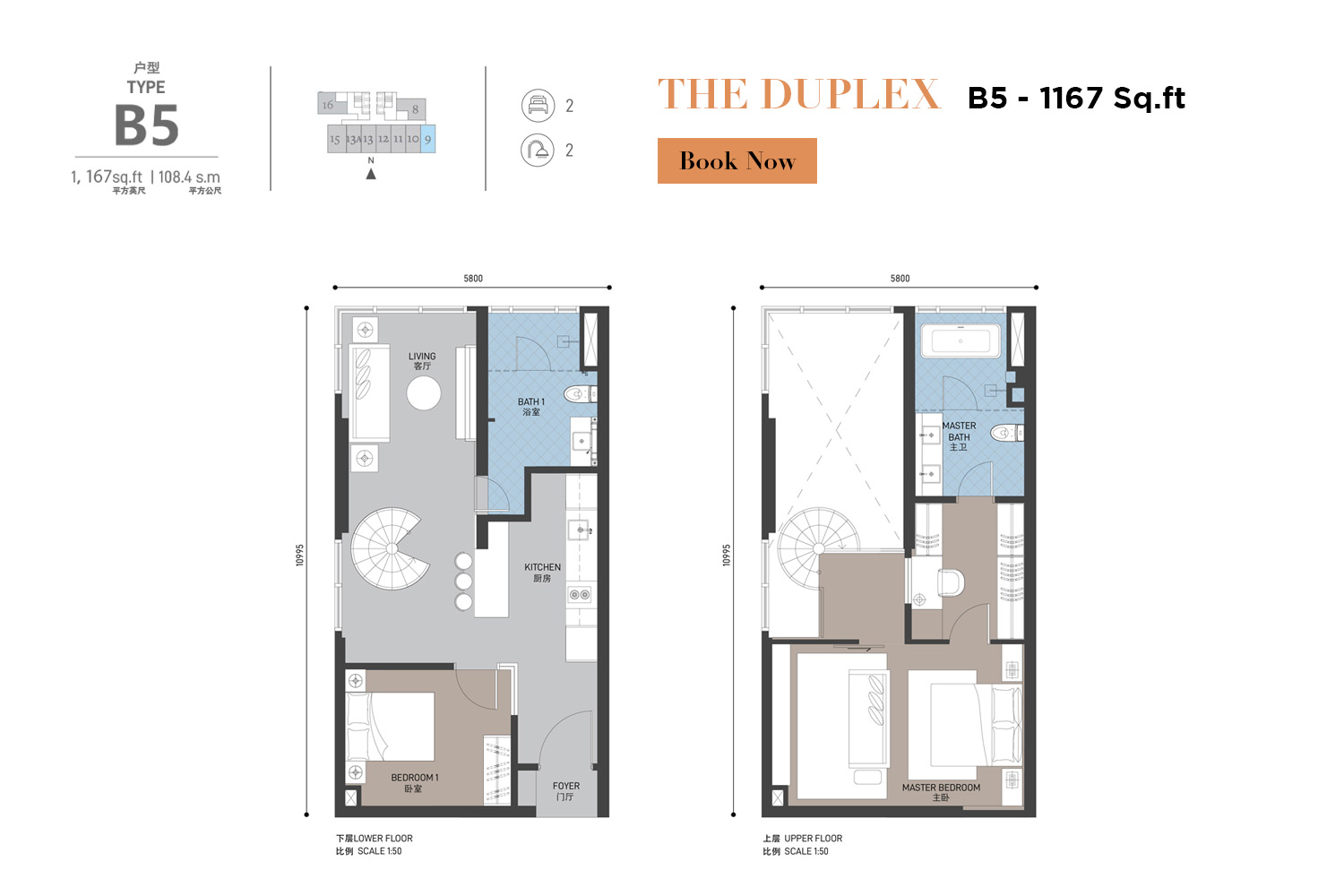
2 beds · 2 baths
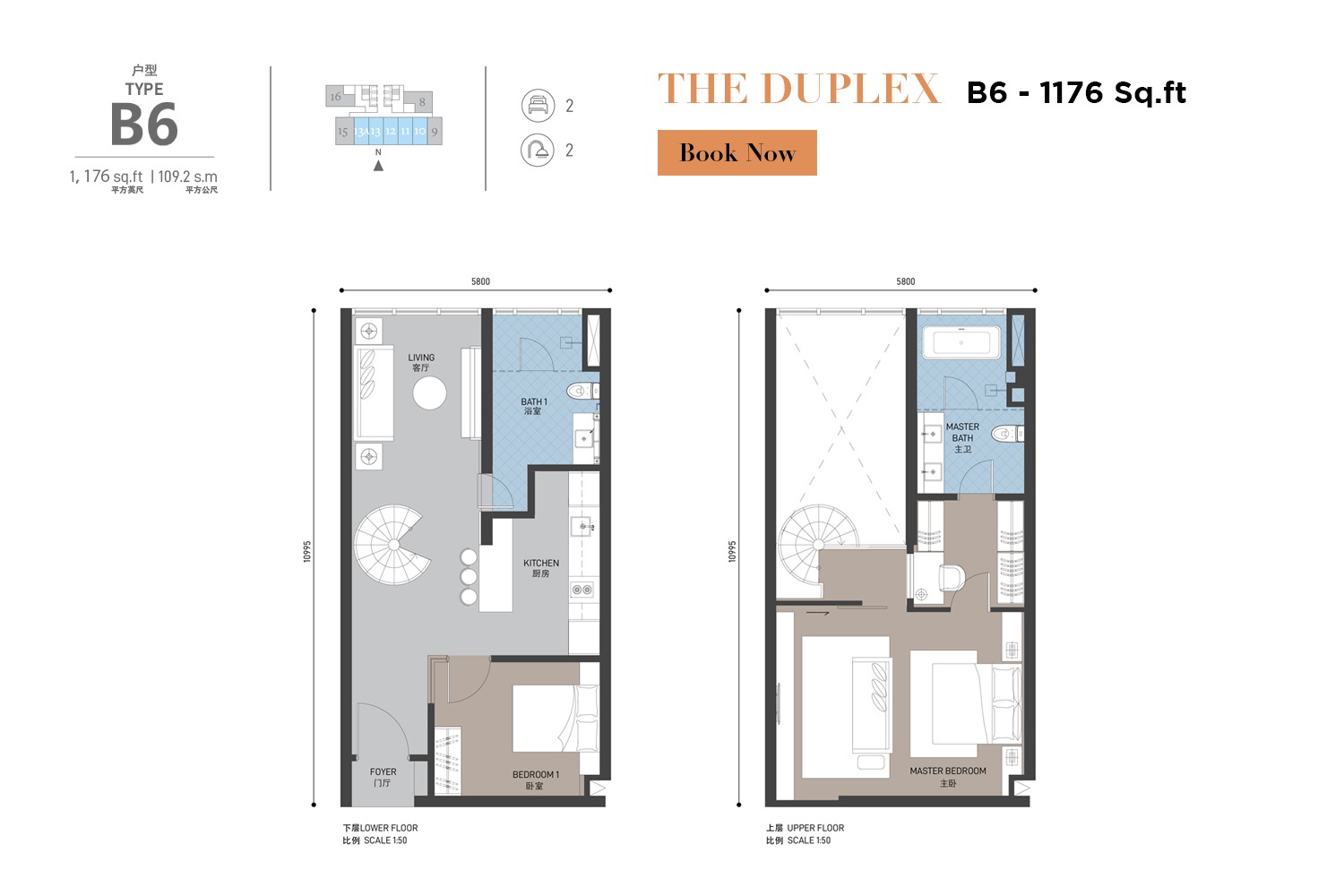
2 beds · 2 baths
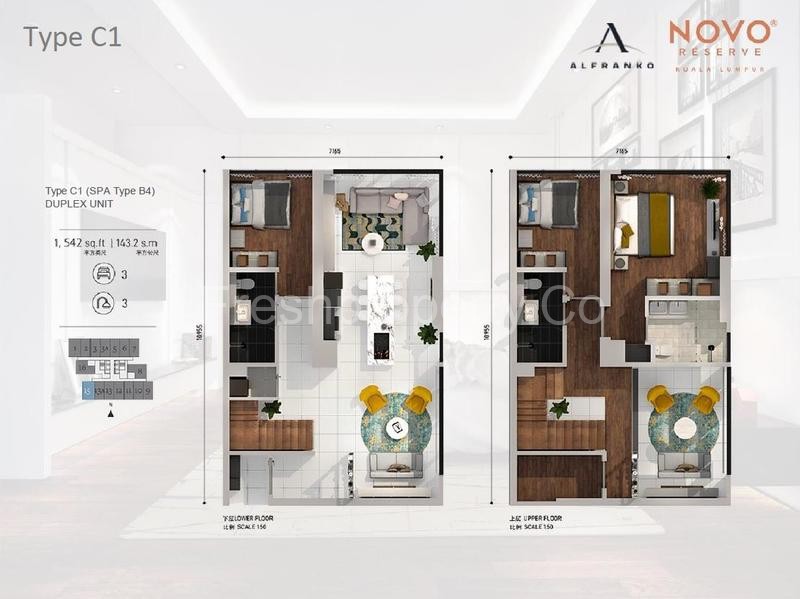
3 beds · 3 baths
3 beds · 3 baths
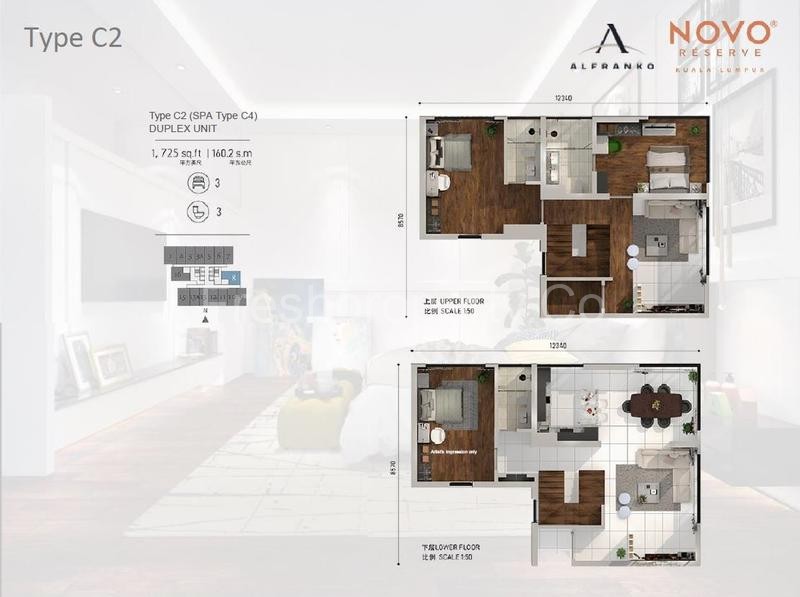
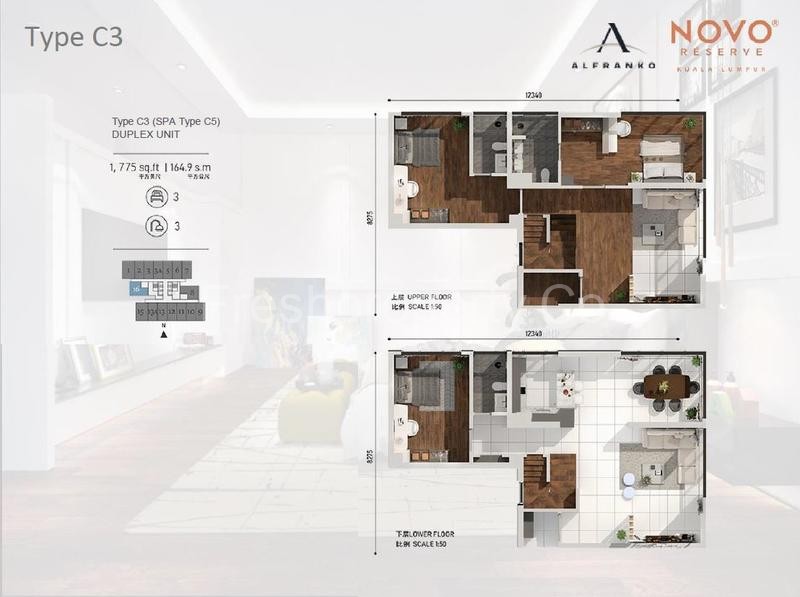
3+1 beds · 3 baths
Project information: Novo / Alfranko project website. Check linked reference plans against your own unit documents; the same size may have more than one layout. No SPA or ID documents needed for this first discussion, and no commitment to sign up.
Novo Ampang / Novo Reserve
Use the details you know. The team can confirm the plan and actual size with you. The form does not send or store your details.
Straight answers
Clear starting points for property owners. Specific advice depends on your building, unit and objectives.
Not always. Public material uses different labels for some Novo types, especially dual-key units. Pick the closest match; the team will confirm against your own plan.
The project plan itself does not establish permission. The team must check the current building rules and the unit’s situation before recommending a rental route.
The form prepares a WhatsApp message with the chosen reference and plan link. It is sent only if you open WhatsApp and press Send.